
Blog · October 2026 · 9 min read
The ultimate invoicing guide for consultants and agency owners
Consultants bill hours, fixed projects, day rates and monthly retainers. Agency owners bill the same four plus retainers with usage, milestone schedules and subcontractor costs passed through. The invoicing problem is not that any of these are hard. It is that they all have to arrive on one document that a client's approver can sign without a phone call. This consultant invoice guide covers each billing model, what the invoice has to show, and how to keep the paperwork from eating the billable week.
How consultants actually bill
Four models cover almost all consulting work, and each one changes what the invoice needs to prove.
- Hourly. A rate and a number of hours. The client pays for time worked. It is the easiest to invoice and the easiest to dispute, so the line needs to say what the hours were for.
- Fixed project. A price agreed before work starts for a defined deliverable. Invoiced in full at the end, up front, or against milestones you set when you quoted.
- Day rate. Workshops, audits, on sites. Same logic as hourly with a bigger unit, so the quantity reads as days rather than hours.
- Monthly retainer. A recurring fee for availability or a set of included hours. Billed on the same date each month, with anything used above the included amount as an extra line.
Mixing them is normal. A single invoice can carry a retainer line, a day rate for a workshop and an hourly line for work that fell outside the scope. What matters is that each is a separate line with its own quantity and rate, because a blended number tells the approver nothing and invites a question.
What every consultant invoice must contain
An approver is usually not the person who hired you. They are checking the document against a budget and a set of rules, and anything missing sends it back:
- Your business name, address, email and tax ID, identical to what procurement has on file.
- The client's legal name and billing address, not the name of the person you talk to.
- A unique invoice number that never gets reused, from a series that increments on its own.
- Issue date and due date, written as dates rather than "net 30" alone.
- The client's purchase order or project reference in the reference field. Many organisations will not release payment without it.
- Line items with quantity, rate, discount and tax per line, and expenses separated from fees.
- Currency, subtotal, tax total and grand total, where the amount column adds up to the total printed underneath it.
- How to pay: bank details or a payment link, plus your payment terms in plain language.
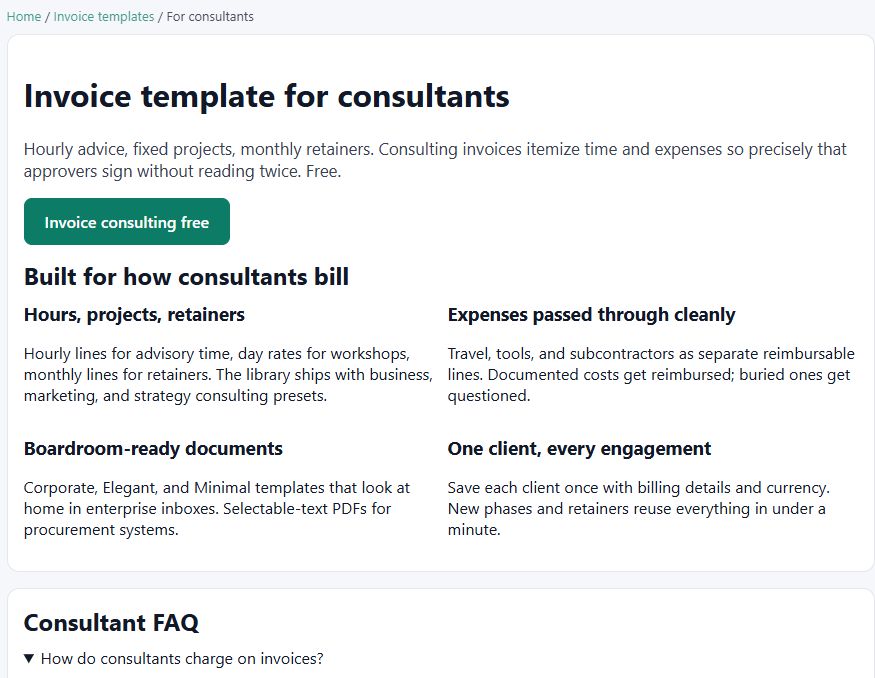
Every one of those fields exists on the consultant invoice template, which is built around hourly advice, fixed projects and monthly retainers with the expenses passed through cleanly.
Which document to send when
Consultants and agencies touch more document types than they expect. Sending the wrong one is how a friendly engagement turns into an argument about scope:
| Document | Send it when | What it locks in |
|---|---|---|
| Invoice | Work is done or a milestone is reached | The amount owed and the due date |
| Quote | Before work starts on a defined scope | A price you commit to, with an expiry date |
| Estimate | The scope is clear but the effort is not | A working range, not a firm price |
| Proforma invoice | The client needs paperwork before payment | A preview of the charge, not a demand for it |
| Credit note | Scope was cut or a billing error needs reversing | A link back to the original invoice |
| Purchase order | You are buying from a subcontractor | What you agreed to pay them |
| Delivery note | You hand over files, a report or equipment | That the deliverable arrived |
Invoices and quotes carry different dates on purpose: an invoice has a due date, a quote has an expiry date. Receipts drop the due date entirely and record how the money arrived instead. See quotation vs estimate vs proforma for the full breakdown of the three pre-work documents.
Expenses without the argument
Pass-through costs are where consulting invoices most often go wrong, and the fix is structural rather than clever. Put every reimbursable cost on its own line, keep them below your fees rather than inside them, and reference the receipt. Travel, software, stock imagery, subcontractor time and any fee your bank charges to receive the payment all belong there.
Clients push back on vague cost lines and almost never push back on itemised ones, because an itemised expense can be checked against a policy in seconds. If a cost has no receipt, decide before you send whether you are absorbing it. Absorbing it quietly is usually cheaper than the delay that follows an undocumented item.
Agency billing: retainers, milestones and subcontractors
Agencies carry the same problems as consultants plus a second set of numbers, because some of the money on the invoice is not yours. Three habits keep it clean:
- Separate the retainer from the overage. One line for the monthly fee, then any hours above the included amount as their own lines. When usage runs high you can see it coming instead of discovering it at month end.
- Track the state of every document. A draft, a sent invoice, one marked partially paid, one overdue. Knowing which is which is what stops you re-billing a client who already paid and forgetting one who has not.
- Record subcontractor commitments as purchase orders. A purchase order documents what you agreed to pay a contractor, and a delivery note records what they handed over. Both exist so that someone who was not on the project can reconcile it later.
Milestone billing works the same way as fixed projects with the clock attached: agree the milestones in the quote, invoice each one as it is accepted, and mark the invoice partially paid when a client settles two of three. The agency invoice template is built for exactly this, with projects and retainers as first-class cases.
How to get paid faster
- Send the invoice the day the work is accepted. Invoices sent while the work is still fresh in the client's mind get approved with the rest of the week's paperwork. Invoices sent two weeks later get queued behind questions.
- Put a date on it, not a phrase. "Due 14 November" survives a conversation. "Net 30" means whatever the reader last heard it mean.
- Add a payment link. A link to Stripe, PayPal or Mollie on the invoice removes the step where someone has to ask for bank details and then wait for a colleague to act on them.
- Use your client's reference. Their PO number in the reference field is the difference between a document entering the payment run and coming back to you.
- Number in series. Separate sequences for invoices, quotes and receipts, each incrementing on its own, so nothing has a duplicate number and every document can be found again by number alone.
- Follow up on overdue ones on a schedule. A weekly look at what is marked overdue takes five minutes and is where most of the lost money in a small practice actually sits.
The bill generator and estimate maker cover the same document shapes when you need them outside a full engagement.
Mistakes that delay payment
- One blended line that says "consulting services" with no rate and no hours behind it.
- Expenses folded into the fee, so the client cannot see what they are approving.
- A missing tax ID or a company name that differs from the one on the contract.
- Reusing an invoice number after a revision, which makes both versions ambiguous.
- Quoting a price and then invoicing a different figure because a cost moved.
- Sending a PDF with amounts that do not agree with the subtotal printed below them.
- No due date, no payment terms, and no way to pay without sending an email first.
Running the whole thing without software fees
The document side of all this is a solved problem and does not need a subscription. Invoice Generator runs entirely in your browser with no account and no watermark: 12 templates, 9 languages including right to left Arabic, 6 currencies, and 12 document types from invoice and quotation to credit note, purchase order and delivery note. Line items carry quantity, rate, discount and tax, with a document level discount applied before tax so the totals stay honest.
You can duplicate a document instead of rebuilding a similar one, convert an accepted quote into an invoice in one click while keeping the line items and client details, and export everything as a JSON file for a backup. Files leave as PDF with selectable text across multiple pages, or as Word, PNG and CSV. Nothing you type is sent anywhere, and the client library means a repeat customer is one selection rather than a retype. What an invoice generator does explains the mechanics if you want the detail.
Consultant invoice guide FAQ
How should a consultant invoice for hourly work?
Put the rate and the hours on their own line, not buried in a description. One line for advisory time, one for workshops or calls if the rate differs. The client can then approve hours against time they already agreed to.
Should an agency invoice a retainer as one line or several?
One line for the retainer fee, plus separate lines for anything used above it. A single flat line hides what the client actually got, and the first month the usage is high the invoice becomes a negotiation.
What is the difference between an estimate and a quote?
An estimate is an informed guess with a range, a quote is a price you commit to for a defined scope. Both are sent before work starts and both carry an expiry date. Which one you send decides whether you can hold the price later.
How do consultants invoice expenses?
As their own lines, separated from your fees, with the receipt referenced. Travel, tools and subcontractor costs are reimbursable items the approver can tick off. Costs buried inside a fee line are the ones that get questioned and delayed.
What reference number should be on a client invoice?
The client's own purchase order or project reference. Large organisations frequently will not release payment against an invoice that does not carry their PO number, so the reference field on the invoice is worth using every time.
Which document do I send when a client cuts scope?
A credit note pointing at the original invoice. It records what was cancelled and keeps both sides aligned without deleting or rewriting the invoice already in their system.
Make a consultant invoice free
No sign-up, no watermark, nothing leaves your browser.